.svg)
.svg)


Early feasibility moves fast, and the tools used to evaluate opportunities need to keep up. Whether teams are testing a new site, responding to a potential deal, or exploring design options, the ability to quickly move from an idea to a viable layout can shape how confidently decisions are made.
These updates focus on reducing friction at the start of the process—making it easier to define sites, generate and compare layouts, and begin analyzing opportunities without slowing down your workflow.
Generative Design Updates
A More Guided Generative Design Experience
Feasibility often starts with “What fits?” Generative design helps answer that quickly.
We’ve improved Generative Design to better guide you as you build a site, not just at the end, but throughout the entire process. As you lay out a site and adjust presets, filters, and key inputs, TestFit now automatically shows layout options that best fit what you’re trying to achieve, helping you stay aligned with your goals as you work. Watch a quick overview below:
To make this easier to manage, you’ll now see a new panel to adjust all of your key parameters in one place, like unit counts, parking targets, or building size limits. This makes it simpler to fine-tune your criteria and quickly see how different inputs affect the options TestFit generates.
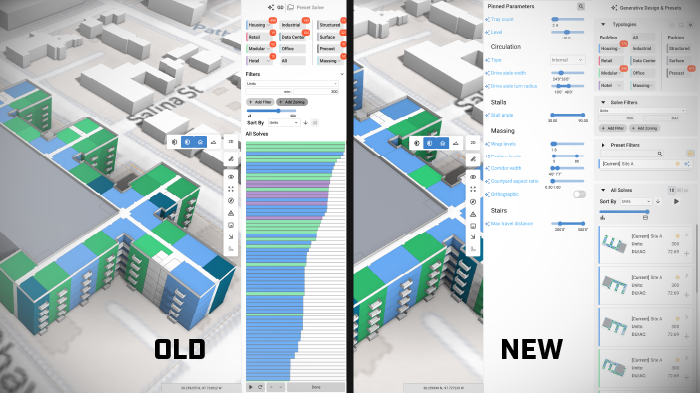
We also updated the layout so you can expand these options when you’re ready to explore alternatives, then collapse them to focus on detailed editing in the canvas. This creates a smoother flow between setting up a site, reviewing options, and refining a design, while TestFit continuously works in the background to find better-fitting layouts when they’re most helpful.
Web Updates
Deal Creation in the Web
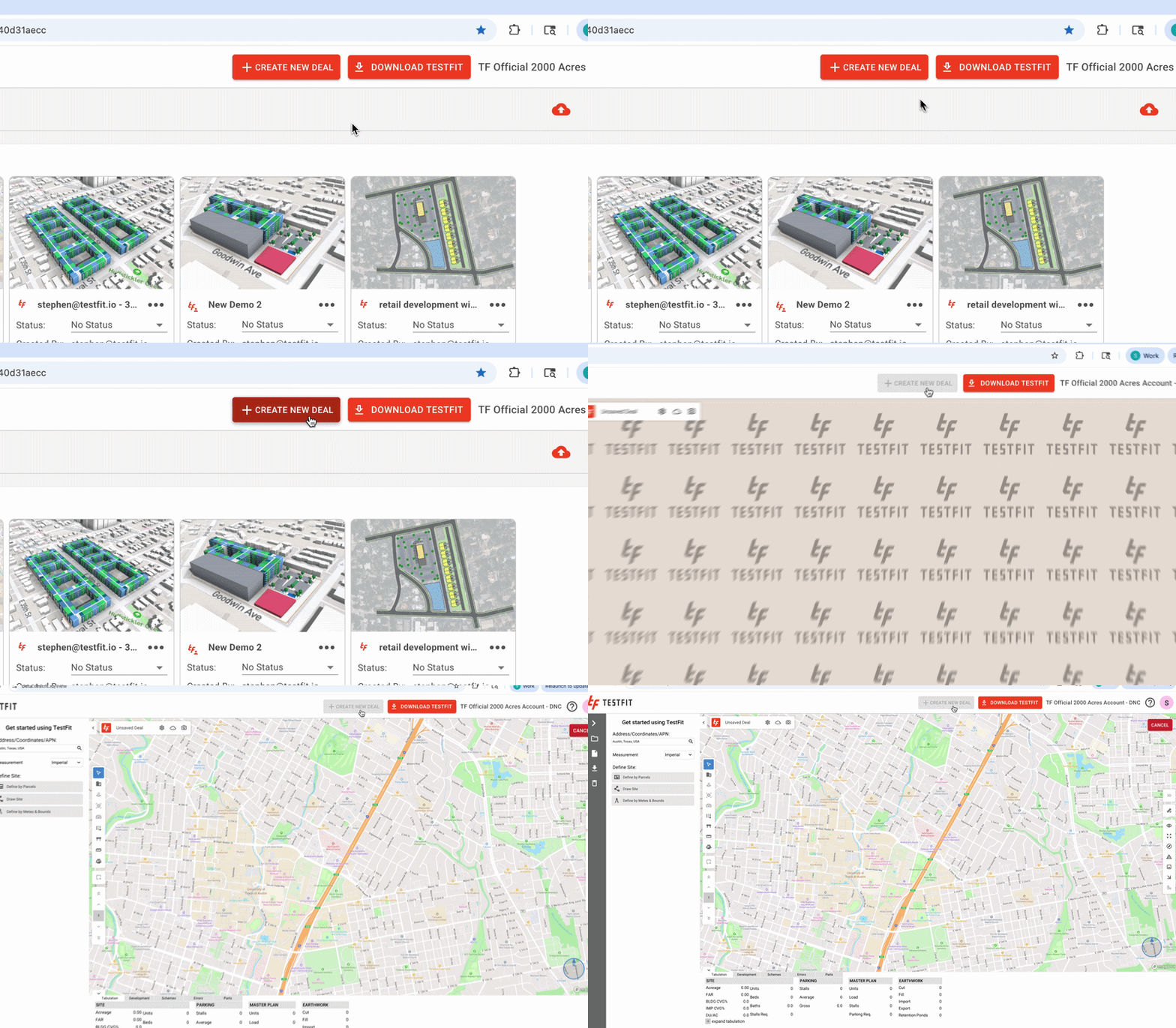
You can now create and start evaluating deals directly in the browser with Web Deal Creation. This new capability allows teams to instantly spin up, configure, and analyze new opportunities in the web platform without launching the desktop application.
By removing setup friction and keeping everything within a single connected environment, teams can begin feasibility analysis faster, collaborate earlier, and maintain momentum from the moment a new opportunity appears.
General Updates
Define Site Boundaries from KML/KMZ
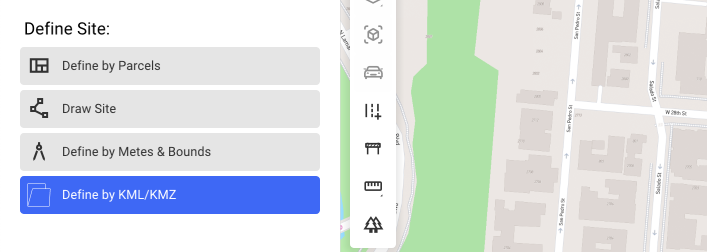
You can now upload KML or KMZ files to quickly define site boundaries in TestFit. Once uploaded, the polygons contained in the file appear on the map and can be selected to create your site.
This removes the need to manually trace boundaries from PDFs or external maps and makes it much easier to start projects using geographic data that’s commonly available from planning tools, GIS platforms, and public datasets.
Housing Updates
Custom Courtyards
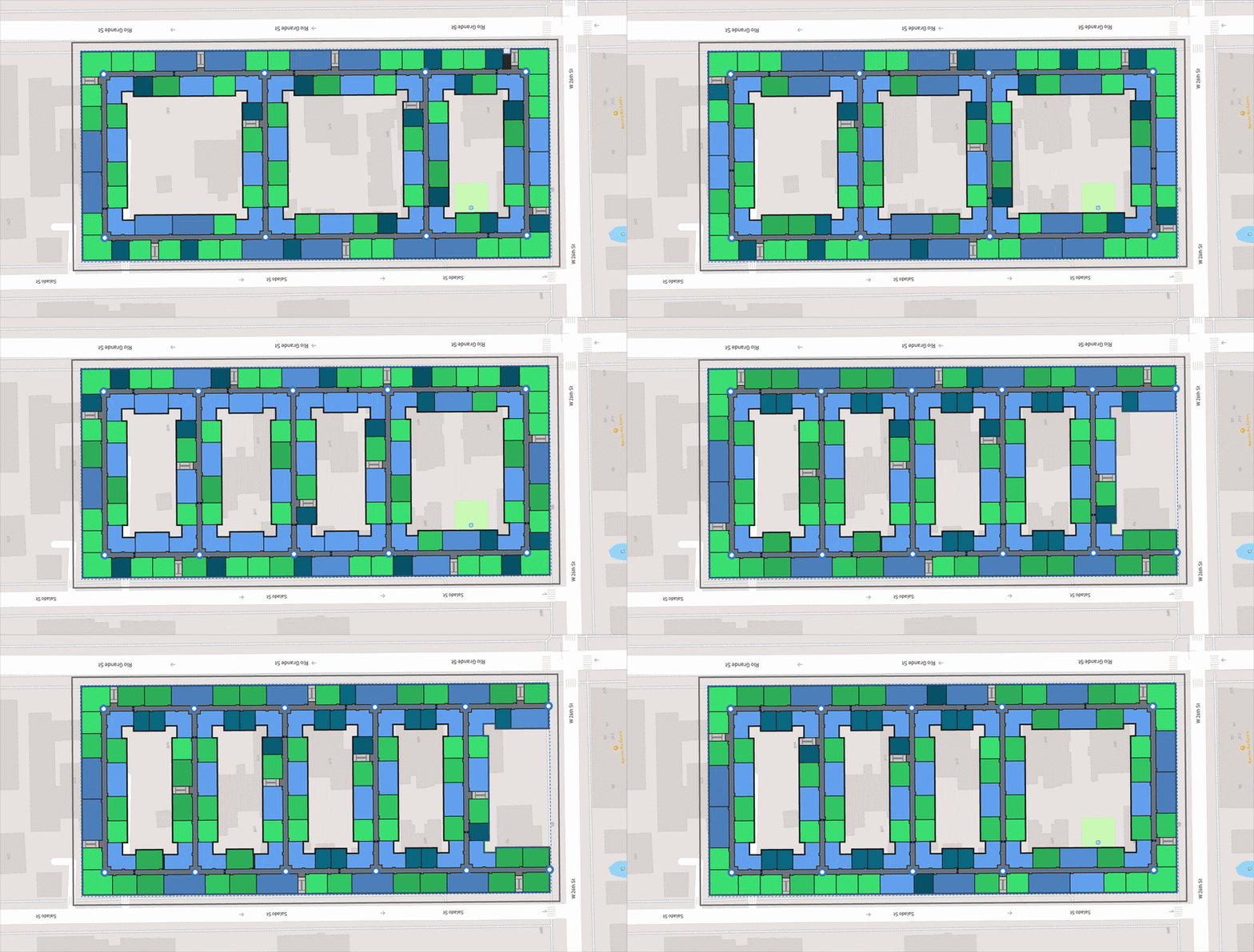
Courtyards can now be generated using minimum distance values instead of being tied strictly to building height ratios. This gives you more flexibility when configuring buildings, especially on higher-density sites where height-based courtyard sizing could limit viable layouts.
TestFit handles these variations automatically, so you don’t have to manually adjust building massing to create different courtyard dimensions. This allows the system to explore more building configurations while still maintaining unit mix, vertical constraints, and other project parameters.